I gave a presentation the other day to a bunch of lawyers and legal professionals. It was supposed to be about AI. And all the wonderful things it could do. It morphed into something else and I hope confirmed an important lesson. Something I learned years ago in Boy Scouts: be prepared. And expect the worst.
My Plan

I thought I had a pretty good plan. I was going to use a PowerPoint, along with some live demonstrations, to show what AI could do. The plan was to weave back and forth between the PowerPoint and the live demonstration to keep the presentation interesting. But as I was about to find out, the boxer Mike Tyson was right: Everybody has a plan until they get punched in the mouth.
All I needed was an external monitor so everyone could see what I was doing, a way to connect my laptop to the monitor and, of course, a reliable Wi-Fi connection. Simple, right?
The Facility
I practiced law for a long time. I’ve been in and out of a lot of courtrooms. One thing I learned was it’s always a good idea to visit the courtroom in advance. To look at the layout. To figure out where you will stand. Where the jury will be. Where the screens will be. And whether the technology you need is in place and works.
So on the Friday before the Monday presentation, I journeyed to the facility to check things out. And that’s when the first signs of trouble appeared. The facility folks knew nothing about the presentation. For a moment, I wondered if I had the wrong date or location. I checked my saved emails. Nope, I had the right time and place. And after some scurrying around, the facility figured it out: the person responsible for special events had apparently never put it on the calendar. OK, things happen.
That mystery solved, I went to the room where the presentation was to take place. It was a large room and had a gigantic monitor in the front. So the first issue, that of having an adequate monitor, was taken care of.
Then the second issue: connecting my MacBook to the monitor. There was no accessible HDMI hookup, so I had to connect wirelessly. I tried connecting. Nothing but a blank screen. I wondered if the monitor just didn’t like MacBooks. After a few frantic calls, a tech person appeared, and together we managed to figure it out and connected my MacBook to the monitor. Sigh of relief.
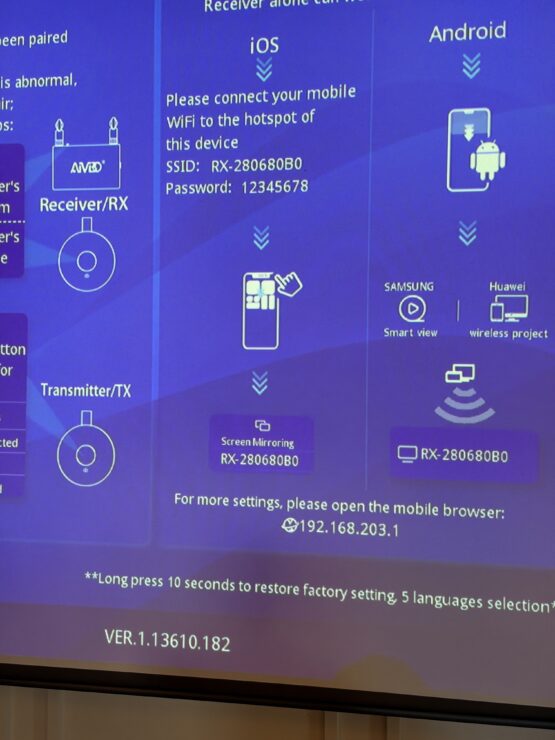
On to the next issue: could I connect to the Wi-Fi? Easy peasy. Worked like a charm. But then an issue I hadn’t foreseen cropped up. Every time I tried to switch back to the PowerPoint, the Wi-Fi network kicked me off. Crap.
More huddling with the tech person. Finally, after switching to several other Wi-Fi networks, trying several SSIDs, and taking several sequential steps, we found a workaround. The tech person smiled. I felt better.
She said, “And don’t worry, I’ll write down for you all the steps we went through along with the Wi-Fi password that you will need to access the network that worked. I’ll leave the notes on the podium for you.” Great.
I headed for the door, but then it hit me. What if she forgot to write it down? So back I went. I confirmed all the instructions, typed them into my iPhone, and got the Wi-Fi password. Now I’m all set, right? Wrong. I forgot one thing. Her telephone number in case I needed her on Monday.
But what the heck, I had all I needed. I slept well that night. Over the next couple of days, I practiced my presentation from home, switching back and forth seamlessly between the PowerPoint and ChatGPT through Wi-Fi. And, by happenstance, I rehearsed using Claude.
The Morning of the Presentation
The morning of the presentation. I’m driving to the facility when it hits me. What if I can’t give the live demonstration? What if the Wi-Fi doesn’t work and I can’t access the Internet?
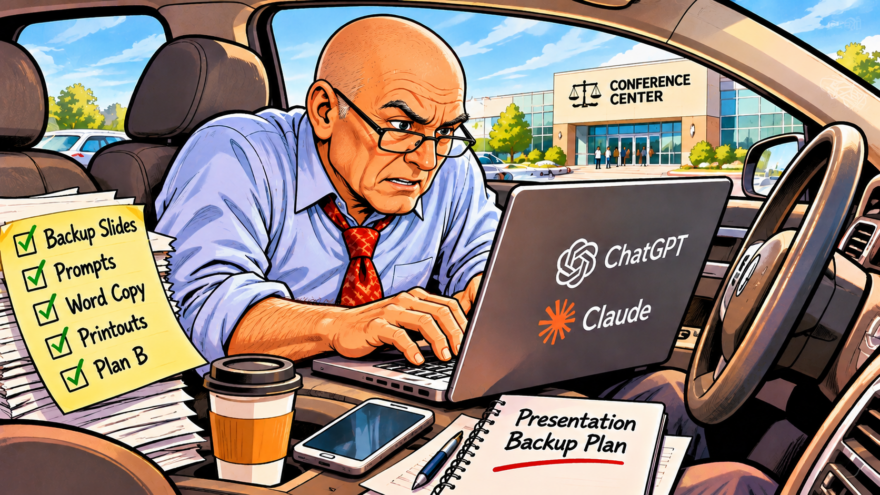
I park my car, and after thinking for a moment, I run all the prompts I was going to use through ChatGPT. I then have ChatGPT make some backup PowerPoint slides with the outputs just in case. I also cut and paste the prompts and responses into a Word document I can use if all else fails. The whole thing took about ten minutes thanks to Chat, by the way. Now I have a backup and a backup to the backup.
By coincidence, about that time, I get a call from the organizer of the presentation, wanting to make sure everything was good to go. I chuckled with her about deciding to create extra screens as a backup. She asked me if she should make paper copies of the PowerPoint for the attendees. I almost said, “Oh no, that won’t be necessary.” But something told me better get paper, so I said OK.
The Presentation
Now we’re at the facility. The tech person’s instructions are nowhere to be found. But what the hell, I had typed all information into my iPhone.
I’m the second presenter. The first presenter is going on about some topics that I know little about. I’m busy fine-tuning my presentation when I notice a silence in the room. I look up, and the presenter’s PowerPoint is frozen on the monitor. Must be an operator error, I assume, and go back to prepping. Should’ve paid more attention.
Now it’s my turn. During a break, I connect my laptop to the monitor, just like we talked about. Then I connect to the Wi-Fi network. I do a test run and voilà, it all works! I’m good to go. Or so I thought.
I’m on my own
I start my presentation with a personal story about my grandkids and some photos that are in my PowerPoint. Everybody smiles. I make a joke about powerless and pointless PowerPoints. And how I hate creating them. How AI helped me do it. I pull up the first substantive screen and start talking about it. Then I advance to the next screen. Nothing. I try again. Again nothing.
I try to go back to the previous screen. Still nothing. Silence in the room. All eyes on me, wondering what the hell this guy is gonna do now. I look up at the monitor. Now it’s completely black. Nothing. This is going from bad to worse. And I don’t have the tech person’s number, so I’m on my own.
Then the monitor disconnects from my laptop completely. Must’ve been a glitch, I figure. I make a joke about technology, and how every time there is a technological presentation, there are tech problems. Everyone laughs. I reconnect. PowerPoint immediately freezes again.
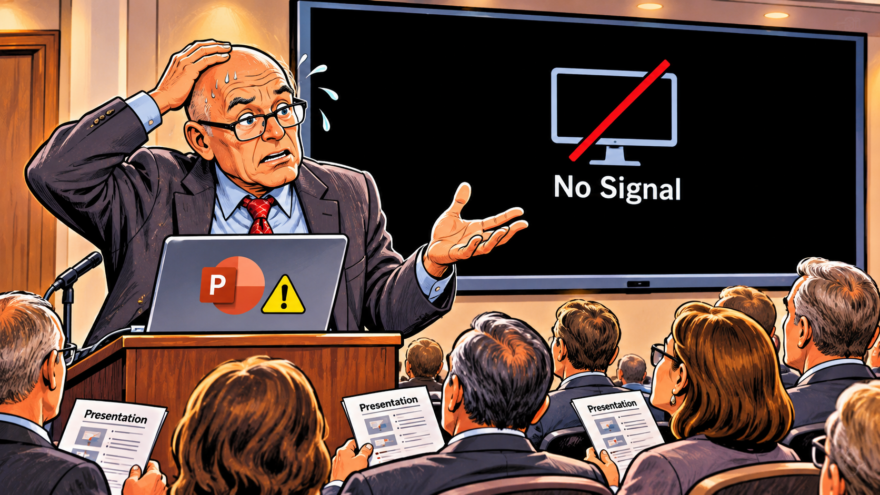
The good news is everyone, including me, has paper copies of the PowerPoint presentation. And the Wi-Fi is working flawlessly. So I think: I can create some of the PowerPoint screens on the spot with prompts. That would show that, in addition to everything I’d planned, GenAI can also do PowerPoints.
It’s going to be a great lesson, right? Wrong: ChatGPT won’t respond to a prompt. It won’t create a PowerPoint slide. It has a strange message the likes of which I have never seen, saying in red letters it was blocked from responding. I try again. Same message. Ugh.
Again, silence in the room, again everyone wondering now what. I’m thinking I’m going to have to use the Word backup and read the responses. But wait, there is an alternative. I switch to Claude, and, whew, just like that, it works. (I asked ChatGPT afterward why it did that, and it didn’t have a clue btw. So, I guess it could have just as easily been Claude that froze.)
Lessons Learned
So at the end of the day, by being nimble, I was able to demonstrate how you can use AI to do a variety of things. I also showed how it helped me create a backup for the prompt answers, and how having a paper copy of the PowerPoint can be helpful.
But I think I also taught them a larger lesson as I explained what I had to go through to create redundant backup systems. It came from something I learned long ago on the eve of trial. This was back in the day when we used slides projected on a screen to show pictures to a jury.
As I was getting ready, an older partner happened to ask me if I had a backup plan. In my youthful know-it-all exuberance, I said, “I don’t need one. I’ve got the slides, and I’ve got the projector.” He said, “What if the projector fails?” I rolled my eyes but got physical copies of the pictures just to humor him. Of course, when I got to the courtroom, the projector wouldn’t work.
Technology is wonderful. Until it isn’t.
That taught me an important lesson: technology is wonderful. Until it isn’t. I remembered that when I told the organizer, yes, better make copies of the PowerPoint. I’ve learned to always have a backup or two or three. Had I not gone to the facility in advance, written down the instructions the tech person gave me, practiced and rehearsed, used both ChatGPT and Claude, created backup slides and the Word document, or agreed to the paper copies, the presentation would have been far different.
The lesson: while you can’t anticipate every problem, you can anticipate that there will be problems. That’s true of any presentation. Of any hearing. Of any trial.
Case in point: even as I was writing this piece, Microsoft, the platform on which just about every lawyer in America depends, had a massive 36-hour global outage. It hit just about everything and everyone, including lawyers and courts. Another reminder to not depend solely on technology or one platform. To have backup plans, to prepare for the what ifs.
Alls well that ends well
So Alls well that ends well. I was able to complete the presentation. I can’t say it went off without a glitch, but I can say I did what I intended. I was able to make adjustments, keep moving, and not take the punches too seriously.
And at the end of the day, the best technology in the room wasn’t PowerPoint, ChatGPT, or Claude. It was the preparation and judgment to know what to do when they failed. It was anticipating Tyson’s punch in the mouth. And being ready to take it.